
Amazon PPC drove over 46 billion dollars in advertising revenue last year. That marks a staggering 24% increase from the previous year. This explosive growth isn’t happening by accident. Sellers worldwide recognize that Amazon advertising delivers real results. In fact, 66% of all product searches start directly on Amazon’s platform. Moreover, businesses typically earn $4 in sales for every dollar they invest in Amazon ads. This makes it one of the most profitable advertising channels available today.
Setting up and optimizing your Amazon ads can generate massive revenue. We’re talking tens or even hundreds of thousands of dollars for your business. However, the path to profitability isn’t always straightforward. Many new sellers make costly mistakes with their Amazon PPC campaigns. They burn through thousands of dollars without seeing results. Even worse, they miss out on profitable campaigns that could bring in substantial revenue month after month.
This comprehensive guide walks you through the exact five-step system for creating profitable Amazon advertising campaigns. You’ll learn how to set up automatic campaigns that collect valuable data. Then you’ll analyze that data to find your winning keywords. From there, you’ll create targeted manual campaigns that scale your profits. You’ll also discover how to avoid expensive mistakes that drain advertising budgets. Furthermore, you’ll uncover the critical connection between your listing quality and ad performance. Many sellers completely overlook this connection.
Mastering Amazon PPC advertising provides the momentum you need to dominate your market. This applies whether you’re launching your first product or scaling an existing Amazon business. Consequently, you’ll build a sustainable income stream that allows you to live life on your terms. You can travel the world and spend time doing what you love. Let’s dive into why Amazon advertising deserves a central place in your business strategy.
- Why Amazon PPC Advertising Is Worth It
- Step 1: Setting Up Automatic Campaigns
- Step 2: Analyzing Your Campaign Data and Finding Profitable Keywords
- Step 3: Creating Manual Keyword Targeting Campaigns
- The Missing Link: Optimizing Your Listing for Ad Success
- Step 4: Product Targeting
- Step 5: Setting Up Negative Keywords
- Common Amazon PPC Mistakes to Avoid
- Taking Your Amazon Business to the Next Level with Passion Product Formula
- Your Amazon PPC Success Roadmap
- Frequently Asked Questions
Why Amazon PPC Advertising Is Worth It
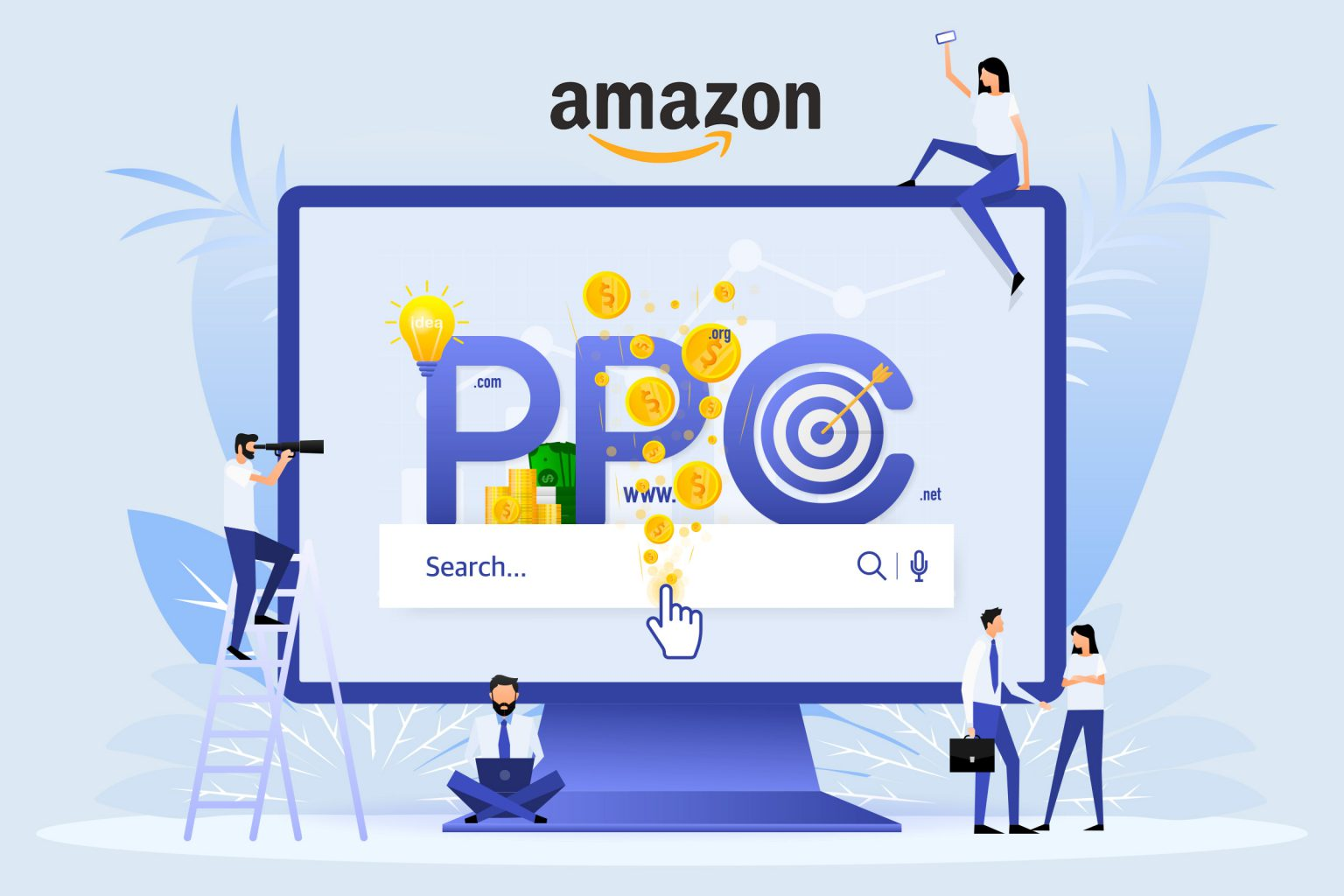
Amazon advertising places your products directly in front of ready-to-buy customers. It reaches them at the exact moment they’re searching for solutions. When you pay to advertise on Amazon, your product appears at the top of search results. This gives you a massive visibility advantage over competitors who rely solely on organic rankings. Most customers naturally gravitate toward the first few products they see. They rarely scroll to page two or even the bottom of page one. Therefore, securing those top positions dramatically increases your chances of making sales.
Beyond immediate sales, Amazon PPC serves two powerful purposes for your business. First, it generates direct return on ad spend. This puts profitable sales on your books right away. Second, and perhaps more importantly, it builds long-term momentum by improving your organic rankings. Your ads drive sales and positive customer interactions. Amazon’s algorithm recognizes your product as relevant and valuable. It gradually pushes you higher in organic search results. This creates a virtuous cycle where your advertising investment compounds over time.
The data you collect from Amazon PPC campaigns proves invaluable for understanding your customers. Each campaign reveals exactly what search terms people use when they buy your product. You learn which features resonate most strongly. You discover which marketing angles convert browsers into buyers. Consequently, you can refine your product listings and improve your targeting. You’ll make smarter business decisions based on real customer behavior rather than guesswork.
Eventually, your organic rankings climb and your five-star reviews accumulate. You’ll reach a point where you can reduce your advertising spend while maintaining strong sales. This snowball effect transforms your business from dependent on paid traffic to generating consistent organic sales. However, reaching that point requires strategic campaign setup and consistent optimization. We’ll cover both in the following sections.
Step 1: Setting Up Automatic Campaigns

Automatic campaigns represent the fastest and easiest way to start advertising on Amazon. This is particularly true if you’re new to PPC or launching a new product. These campaigns leverage Amazon’s sophisticated AI to automatically target keywords and products similar to yours. You’re essentially putting the platform’s algorithm to work finding your ideal customers. Automatic campaigns may not deliver immediate profitability. However, they serve as powerful data-collection tools that inform your future advertising strategy.
Setting up your first automatic campaign is straightforward. Navigate to your Amazon Seller Central account and click on the Advertising tab. Then select Campaign Manager. This dashboard displays your advertising performance over time. You’ll see key metrics like clicks, spend, and sales generated from your campaigns. Click the “Create Campaign” button and select “Sponsored Products” as your campaign type. This works best for most sellers, especially those with just a few products in their catalog.
Next, name your ad group something descriptive like “Main Automatic Campaign.” Then select the product you want to advertise. Amazon often provides recommendations for which products to advertise. Generally speaking, you should run automatic campaigns for all products you’re actively launching or scaling. Choose automatic targeting and set your default bid at Amazon’s recommended amount. They genuinely know what works. Setting your bid too low means your ads simply won’t show up. Setting it too high wastes money.
For bidding strategy, select “Dynamic Bids – Up and Down” to gather data quickly. Alternatively, choose “Down Only” if you’re being more cautious with your budget. Additionally, increase your bid for top-of-search placements by at least 15%. Sometimes you can go up to 50%. These positions typically convert at much higher rates. Enable the “High Interest Based on Shopping Activity” audience targeting with a 20% bid increase. This powerful feature allows Amazon’s AI to identify shoppers most likely to buy your product. Finally, set your daily budget generously during launch week. Ideally aim for $100 or more. The faster you spend, the faster you collect valuable data that drives future profitability.
Step 2: Analyzing Your Campaign Data and Finding Profitable Keywords

Your automatic campaign needs to run for two to four weeks. After that, you’ll have collected enough data to identify your winning keywords and eliminate the money-losers. Amazon resets this data every 65 days. You must check your search term reports at least once within that window to capture all your insights. This analysis represents the real magic of automatic campaigns. It transforms raw advertising spend into actionable intelligence about what actually drives sales for your product.
To access your data, click into your automatic campaign. Then navigate to the ad group and select “Search Terms.” This report shows every keyword Amazon displayed your ad for, along with critical performance metrics. Sort the list by spend from highest to lowest. This shows you where your money is actually going. Look closely at the ACoS (Advertising Cost of Sales) column. It shows what percentage of your sales you’re spending on advertising. Ideally, you want this number below 50% for profitability. However, your specific target depends on your profit margins.
As you scan through the data, you’ll spot two distinct categories of keywords. First, identify any search terms bleeding money with an ACoS above 100%. These represent pure losses where you’re spending more on ads than you’re making in sales. For example, imagine you spent $36 on “beef jerky” and only made one sale worth $20. That 180% ACoS signals you should immediately add that keyword to your negative keyword list. On the flip side, look for the golden opportunities. Find keywords where you’re getting 3x or 4x return on ad spend, with ACoS below 35%.
These high-performing keywords become the foundation for your manual campaigns. Consider a keyword like “carnivore jerky” with a 25% ACoS and nearly 4x ROAS. Even though the automatic campaign might have only run $50 through that keyword, scaling it with dedicated budget in a manual campaign could generate consistent returns. However, pay attention to statistical significance. A single order doesn’t prove a trend. Six or more orders starts painting a reliable picture of keyword performance.
Step 3: Creating Manual Keyword Targeting Campaigns
Manual campaigns give you precise control over which keywords trigger your ads. This allows you to double down on proven winners while avoiding expensive dead ends. Unlike automatic campaigns that cast a wide net, manual campaigns focus your budget exclusively on the keywords you’ve validated through data. Consequently, these campaigns typically deliver much higher profitability once you’ve identified your best-performing search terms.
Creating your first manual campaign follows a similar process to automatic campaigns, with one crucial difference. You choose every keyword yourself. Click “Create Campaign” and select “Sponsored Products.” Give your campaign a systematic name like “Manual Targeted – Carnivore Jerky.” This naming convention becomes essential when you’re eventually running dozens of campaigns simultaneously. It helps you quickly identify what each campaign targets. Select your product, but skip Amazon’s suggested keywords entirely. They often include the same low performers you just eliminated from your automatic campaigns.
Instead, click “Enter List” and manually input the profitable keywords you discovered in your search term analysis. For each keyword, you’ll choose between three match types. Exact match only triggers for exact searches. Phrase match triggers for searches containing your phrase. Broad match triggers for related searches. Start with phrase and exact match to maintain control over your targeting. Add broad match cautiously since it can include unrelated searches. Importantly, group related keywords together in the same campaign. Don’t mix different product angles or customer segments.
Set your bidding strategy to “Dynamic Bids – Down Only” or “Up and Down” depending on your risk tolerance. Increase your bid for top-of-search placements by at least 15%. Enable audience targeting with a 15-20% increase for high-intent shoppers. This gives Amazon permission to bid higher when it identifies customers most likely to convert. Finally, set your daily budget based on profitability. If your automatic campaign data shows a keyword converts profitably, you can aggressively scale your manual campaign budget. Keep scaling until performance starts declining to your minimum acceptable ACoS threshold.
The Missing Link: Optimizing Your Listing for Ad Success

Even the most precisely targeted advertising campaign fails if your product listing doesn’t convert clicks into sales. Many sellers wonder why their ads bleed money. They don’t realize the problem isn’t their keyword selection or bidding strategy. It’s their listing quality. Since you pay for every click regardless of whether it converts, a poorly optimized listing transforms advertising spend from investment into pure expense.
The Power of Professional Product Images
Your images represent the only way customers can evaluate your product before buying. This makes them absolutely critical to conversion rates. Two elements determine whether your listing converts paid traffic profitably: images and reviews. Let’s start with images, since they’re often the first thing shoppers notice.
Professional, visually compelling images clearly communicate your product’s benefits. They stand out from competitors in a crowded marketplace. They make the difference between a click that converts and money wasted. Think about your own Amazon shopping behavior. You likely scan images first before reading any text. Your customers do the same thing.
Services like FBA Creatives (Get 40% OFF with code TRAVIS) specialize in creating listing images that convert consistently. They understand Amazon’s best practices and know exactly what makes shoppers click “Add to Cart.” Investing in professional design typically pays for itself many times over through improved ad performance. Poor images mean you’re paying for clicks that bounce away. Great images turn those same clicks into profitable sales.
Building Reviews and Ratings That Convert
Reviews and ratings form the second pillar of listing optimization. Most shoppers refuse to buy products rated below four stars. Many won’t even consider products below 4.5 stars, especially in competitive categories. This isn’t just a minor preference. It’s a hard barrier that prevents conversions no matter how good your ads are.
While you can’t fake reviews, you can focus on creating an exceptional product that naturally generates positive feedback. Start with product quality as your foundation. Furthermore, address customer concerns quickly when issues arise. Improve your product based on feedback from real users. This gradually builds your rating over time, directly improving your advertising ROI.
Every percentage point improvement in your star rating translates to higher conversion rates. Those higher conversions mean better ad performance with the same budget. Your ACoS drops while your total sales increase. That’s the compounding effect of excellent reviews working alongside your advertising campaigns.
The Listing Quality Equation
The equation is simple: great ads plus a great listing equals profitable campaigns. Conversely, great ads plus a mediocre listing equals wasted money. You can’t fix a poor listing with bigger advertising budgets. You’ll just waste money faster.
Before scaling your advertising budget, honestly evaluate whether your listing competes effectively with the top sellers in your category. Compare your images side-by-side with the top three competitors. Check your review count and average rating against theirs. If you’re getting clicks but not conversions, your listing needs work before your ads can succeed. Fix the listing first, then scale the ads. That’s the path to sustainable profitability.
Step 4: Product Targeting

Product targeting opens another powerful avenue for reaching customers. It displays your ads directly on competitor listings. When shoppers browse your competitor’s product page, they see your sponsored product recommendations. This gives you a chance to steal those customers right before they click “Add to Cart.” This strategy works particularly well once you’ve established profitable keyword campaigns and want to expand your reach.
The beauty of product targeting lies in capturing high-intent shoppers. These customers already demonstrated interest in your product category. Someone viewing your competitor’s listing is clearly in buying mode, not just browsing. Moreover, you can convert these shoppers if you offer better value, superior features, or more attractive pricing than the competition. This is especially true when they started their journey on a competitor’s page. Therefore, product targeting becomes increasingly effective as you improve your listing quality and accumulate positive reviews.
While product targeting deserves attention in your overall advertising strategy, focus first on mastering keyword campaigns. Keyword targeting typically delivers more immediate and scalable results. This is especially true for newer sellers still building momentum. Once you’ve optimized your automatic and manual keyword campaigns, you can layer in product targeting. This captures additional market share and diversifies your traffic sources.
Step 5: Setting Up Negative Keywords

Negative keywords represent one of the fastest ways to improve campaign profitability. They prevent your ads from showing for irrelevant or unprofitable searches. When you add a keyword to your negative keyword list, Amazon stops displaying your ads for those search terms. This immediately eliminates wasted clicks. Surprisingly, many new sellers overlook this critical optimization. They lose thousands of dollars on searches that will never convert into sales.
You can add negative keywords at two different stages. First, during initial campaign setup if you already know certain search terms don’t fit your product. For example, if you sell carnivore electrolytes, you’d immediately add “vegan electrolytes” and “vegetarian electrolytes” as negative keywords. These searchers represent completely different customer segments. Second, and more importantly, add negative keywords after analyzing your search term data. Identify money-losers with consistently high ACoS above 100%.
The process takes just moments but saves substantial money over time. Navigate to your campaign settings and find the negative keyword targeting section. Input the unprofitable search terms you’ve identified. Some keywords might seem relevant but prove too broad to profitably target. Take “beef jerky” as an example. It relates to your product category, but the 180% ACoS clearly signals it’s draining your budget without delivering returns. Therefore, adding it as a negative keyword stops the bleeding immediately.
Review your campaigns every 30 to 65 days to identify new negative keywords as your data accumulates. This regular optimization compounds over time. It gradually eliminates wasteful spending and concentrates your budget on searches that actually convert. Consequently, your overall campaign performance improves without increasing your budget. You simply stop paying for clicks that don’t lead to sales.
Common Amazon PPC Mistakes to Avoid

Understanding what not to do with Amazon PPC proves just as valuable as knowing the right strategies. The first major mistake involves setting fixed bids instead of using dynamic bidding. This prevents Amazon’s algorithm from optimizing your performance in real-time. Dynamic bidding allows Amazon to increase your bid when a conversion seems likely. It decreases your bid when prospects look weak. This dramatically improves your efficiency. Similarly, many sellers set their budgets too low during the critical launch week. They miss the momentum-building opportunity when Amazon pays closest attention to new products.
Failing to check your data before it resets after 65 days costs sellers valuable insights. You lose information about what’s working and what isn’t. Without this data, you’re flying blind. You can’t create targeted manual campaigns or eliminate unprofitable keywords. Additionally, ignoring negative keywords allows your automatic campaigns to continue wasting money. They keep spending on the same bad searches month after month. Adding just a few negative keywords could save hundreds or thousands of dollars.
Perhaps the costliest mistake involves running ads on poorly optimized listings. You’re essentially paying for traffic that won’t convert. Without professional images and solid reviews, your advertising spend generates clicks but not sales. This creates an unsustainable situation. Furthermore, not grouping related keywords together in organized campaigns makes optimization nearly impossible. You can’t tell which specific keywords or product angles are driving your results.
Finally, giving up on automatic campaigns too quickly prevents you from collecting the data you need to succeed. Automatic campaigns require patience and budget to get through Amazon’s learning period. However, the insights they provide become invaluable for building profitable manual campaigns. These mistakes collectively cost sellers thousands in lost revenue and wasted ad spend. Make them essential to avoid as you build your advertising strategy.
Taking Your Amazon Business to the Next Level with Passion Product Formula
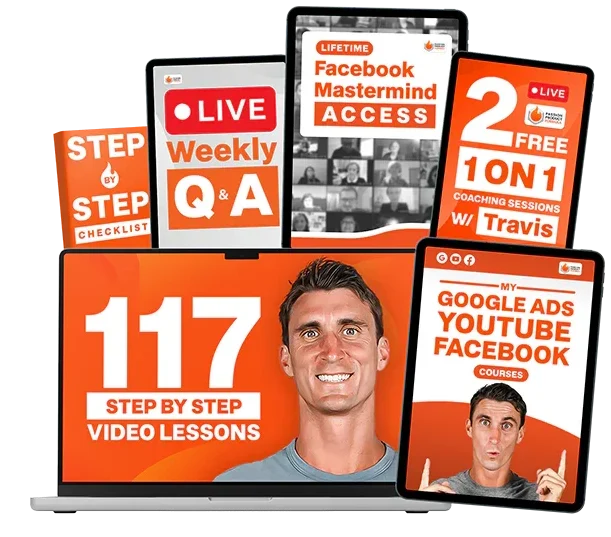
Amazon PPC represents just one piece of building a successful Amazon business. It’s an important piece, certainly. To truly succeed on Amazon, you need comprehensive knowledge spanning multiple areas. This includes product research and validation, sourcing and manufacturing, and complete listing optimization. You also need launch strategies that build momentum and scaling systems that grow profitable products sustainably. Moreover, you need guidance from people who’ve actually built successful Amazon businesses themselves. Theoretical knowledge from online articles isn’t enough.
The Passion Product Formula provides complete Amazon training that takes you from product selection through scaling. It covers every aspect of building a profitable Amazon business. Inside the program, you’ll find detailed training on Amazon PPC that goes even deeper than this article. You’ll also get proven systems for finding winning products. You’ll learn how to negotiate with suppliers, optimize conversions, and manage operations as you scale. Furthermore, you’ll join a community of sellers at various stages of their Amazon journey. This creates opportunities to learn from others’ experiences and avoid their mistakes.
This program suits serious sellers ready to invest in their success. It’s for people who want to build a real business rather than just dabbling with Amazon. The results speak for themselves. Students have used these exact strategies to build businesses that provide genuine passive income. They’re traveling the world, living in their dream locations, and spending time doing what they love. If you’re ready to take that next step, book a call with the team. See if the Passion Product Formula might be a fit for your goals.
The strategies in this guide give you a solid foundation for Amazon advertising success. This applies whether or not you join the program. However, having expert guidance and support dramatically accelerates your progress. It helps you avoid the expensive mistakes that derail many sellers. Therefore, consider what level of support you need to reach your goals. Then take action accordingly.
Your Amazon PPC Success Roadmap
Now you understand the complete five-step system for creating profitable Amazon advertising campaigns. Start by setting up automatic campaigns that collect valuable data about which keywords and products convert for your listing. After two to four weeks, analyze that data. Identify your winning keywords with low ACoS. Eliminate money-losers through negative keyword targeting. Next, create manual campaigns that focus your budget exclusively on proven, profitable search terms. Use the right match types.
Layer in product targeting once your keyword campaigns are optimized. This allows you to capture competitor traffic and expand your reach. Throughout this process, continuously add negative keywords to eliminate waste. Concentrate your spending where it generates returns. Additionally, never forget that your listing quality directly determines your advertising success. Invest in professional images and focus on building reviews through product excellence.
Amazon PPC success comes from consistent optimization rather than one-time setup. Plan to review your campaigns regularly. Test new keywords and strategies. Scale your winners while cutting your losers. Furthermore, treat your advertising spend as an investment in data and momentum rather than pure expense. The insights you gain and organic rankings you build create long-term value. This value compounds over time.
Begin today by setting up your first automatic campaign. You can start with a modest budget. Let it run for several weeks while you focus on optimizing your listing quality. Then, armed with real data about what works, create your first manual campaign. Target your best-performing keywords. Download the free Amazon PPC checklist to stay organized as you implement these strategies. Remember that building a profitable Amazon business is absolutely achievable. You just need to follow proven systems consistently.
Frequently Asked Questions
How much should I spend on Amazon PPC when starting out?
Your initial PPC budget depends on your overall product launch budget and profit margins. However, plan to invest at least $50-100 per day during your first few weeks. This allows Amazon’s algorithm to gather meaningful data. It also helps build the momentum crucial for new product launches. Don’t view this purely as expense. You’ll generate sales from this spend. The data you collect becomes invaluable for future campaign optimization. If you can afford to invest $100-200 daily during launch week, you’ll gather data faster. You’ll also build stronger momentum.
How long does it take for Amazon PPC campaigns to become profitable?
Automatic campaigns typically require 2-4 weeks to collect enough data for optimization. They may not be immediately profitable. However, once you analyze that data and create targeted manual campaigns, results come faster. Focus on your best-performing keywords. You can often achieve profitability within days. The timeline varies based on your product category competition, listing quality, and how aggressively you optimize. Most sellers see their manual campaigns become profitable within the first month. This assumes they’re targeting validated keywords and have a well-optimized listing.
What’s a good ACoS (Advertising Cost of Sales) to target?
A “good” ACoS depends entirely on your profit margins. Generally, aim for 30-50% ACoS or lower. Calculate your break-even ACoS by determining what percentage of sales you can spend on advertising. Factor in product costs and Amazon fees while remaining profitable. If your profit margin is 40%, then a 30% ACoS leaves you with a 10% net profit. However, during launch phases, you might accept higher ACoS. You might even go above break-even. This builds momentum and organic rankings that deliver long-term value.
Should I pause my automatic campaigns once I create manual campaigns?
No, keep your automatic campaigns running continuously. They serve as ongoing discovery tools for new keywords and customer search behaviors. Your manual campaigns target proven winners. Meanwhile, automatic campaigns continue testing new opportunities. They adapt to changing customer search patterns. Many successful sellers run both automatic and manual campaigns simultaneously. They use automatic campaigns for discovery. They use manual campaigns for scaling proven keywords. Just monitor your automatic campaigns regularly. Add consistently unprofitable keywords to your negative keyword list.
How often should I review and optimize my Amazon PPC campaigns?
Review your campaigns at least weekly during the first month. Then switch to bi-weekly or monthly once they stabilize. Check your search term reports before the 65-day reset window. This captures all available data. During reviews, look for new negative keywords to add. Identify new winning keywords to move into manual campaigns. Adjust bids on underperforming or overperforming keywords. Additionally, monitor your daily spending. Ensure you’re hitting your budgets. Make sure you’re not missing sales opportunities. This happens when campaigns run out of money too early in the day.